
Überblick
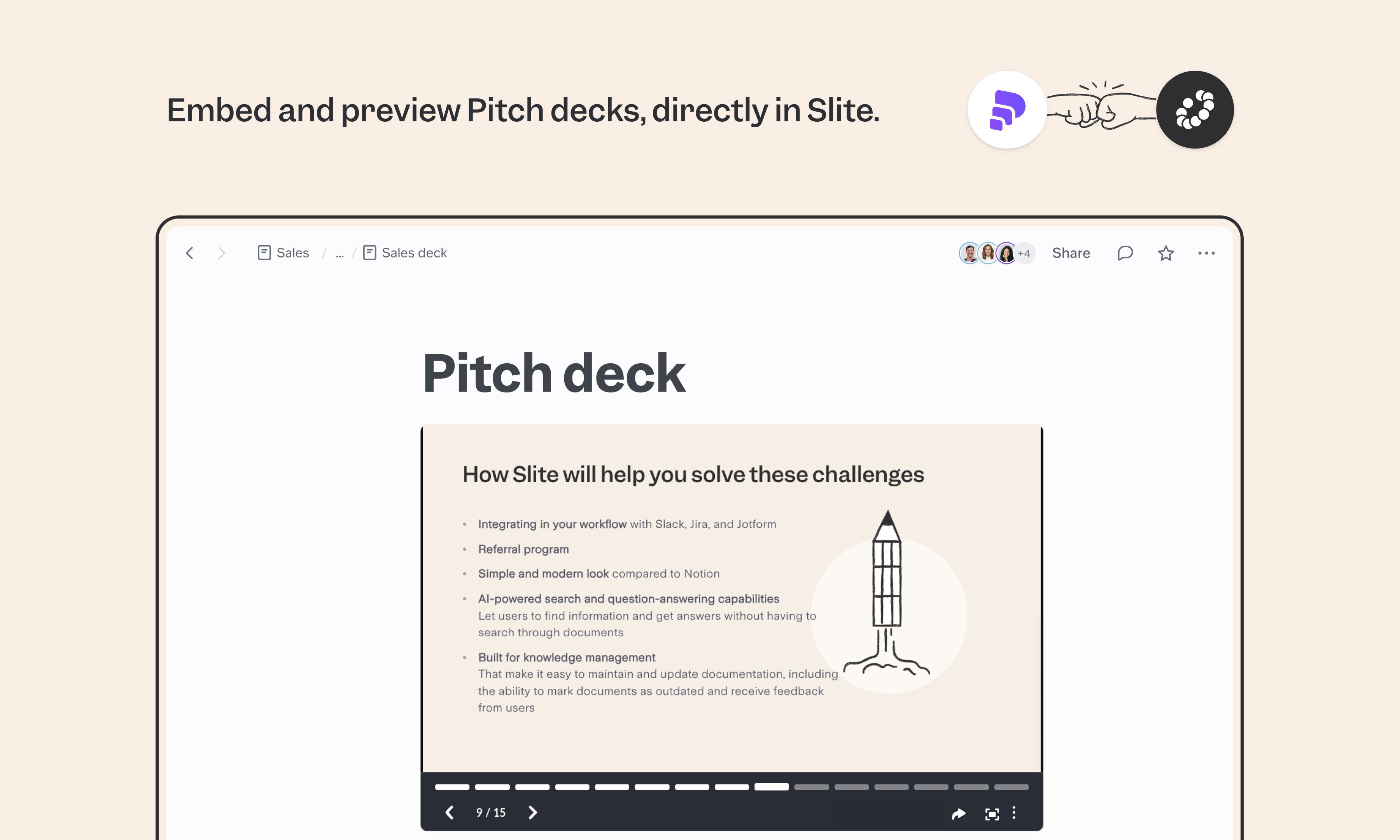
Pitch is the modern presentation tool built for teams that want their decks to feel as collaborative as a doc. The Slite integration embeds Pitch presentations directly in your docs, so launch plans, board updates, and internal narratives include the deck alongside the written context always in sync.
So funktioniert's
In Pitch, open your presentation, click Share, and create or copy an external share link. Paste the link into your Slite doc, or use /embed to insert it. The presentation appears as a live embed your team can view and interact with directly in Slite.
Need help setting up your Pitch integration with Slite? Contact support .
We take privacy seriously. Slite is SOC 2 Type II certified, GDPR and HIPAA compliant, with all data encrypted in transit and at rest on EU-based infrastructure. Your data is never used to train, nor retained by, third-party LLMs. See our security page for more information.